Hi all,
There is a fix for these reporting errors that was shared on the forum. Please follow this post: SMART Reporting Tool Error Fix
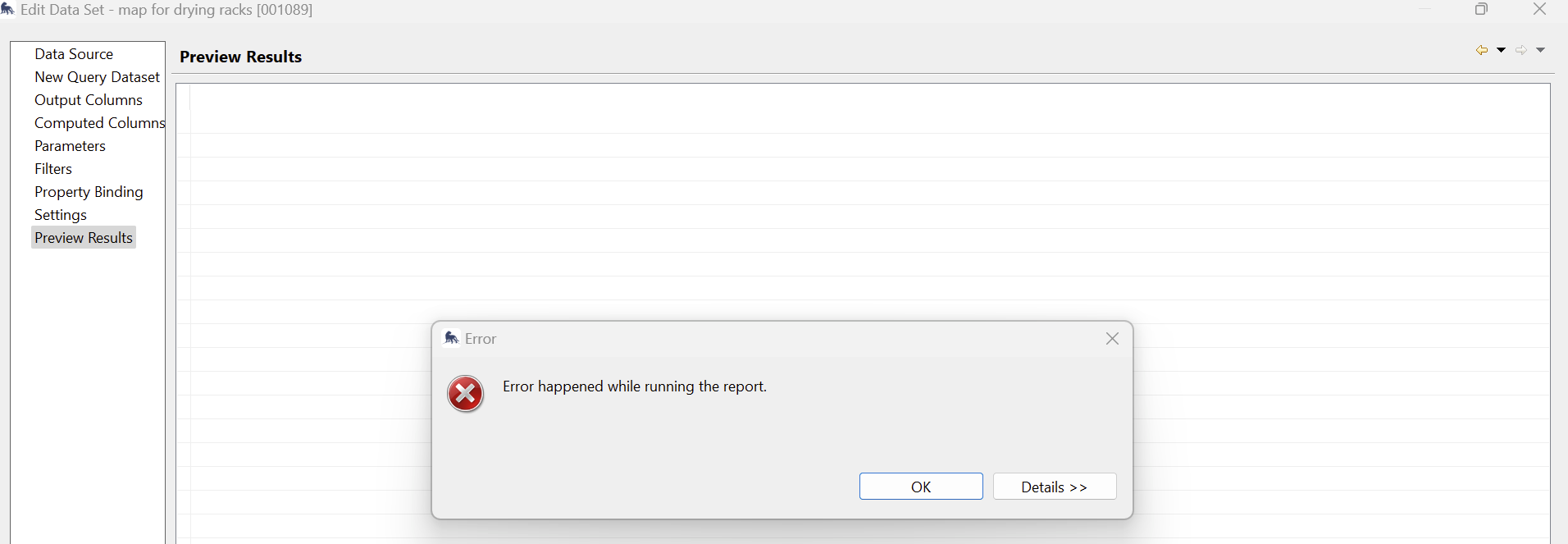
Additionally, for any map that returns an error, go to the data set for the map and click edit. Click on “Preview Results”, if no error is returned, the data set & query binding is okay. If not, an error will appear like in the image below:
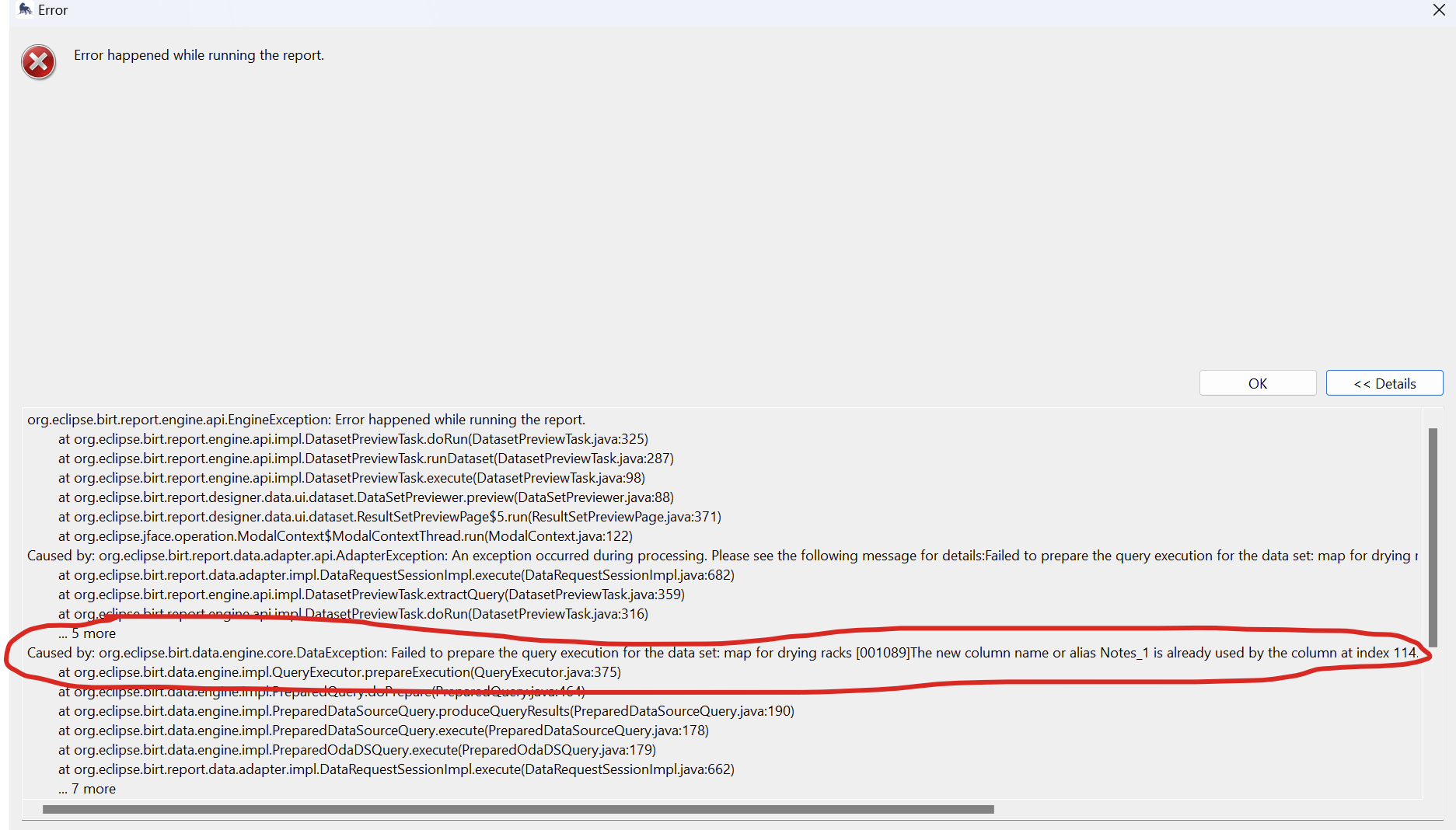
Click on details to see what the error is. In most test cases, it has to do with the column name or alias being the same in the output column.(See image below)
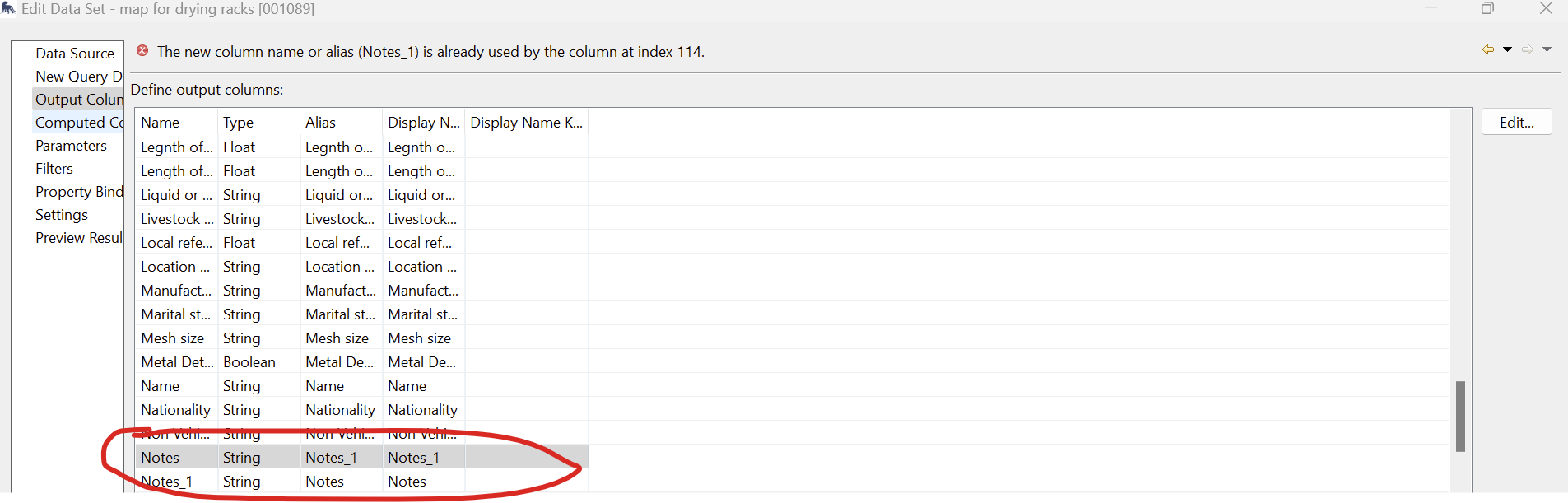
In my test case, I renamed the alias for the column in question, i.e. Notes_1 to Notes_11.
This permanently fixes the issue with errors on your report maps and your query bindings.
James