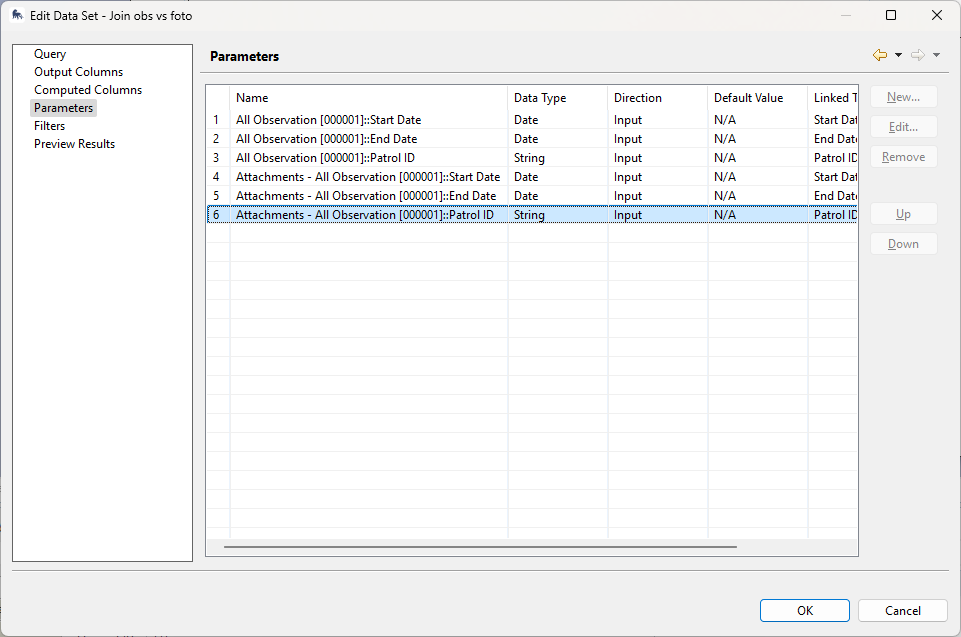
Hi all,
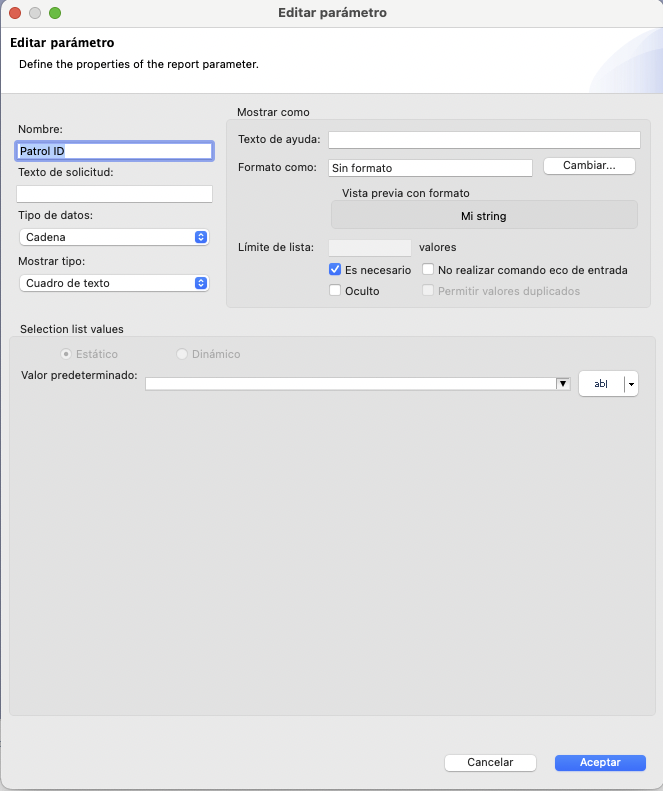
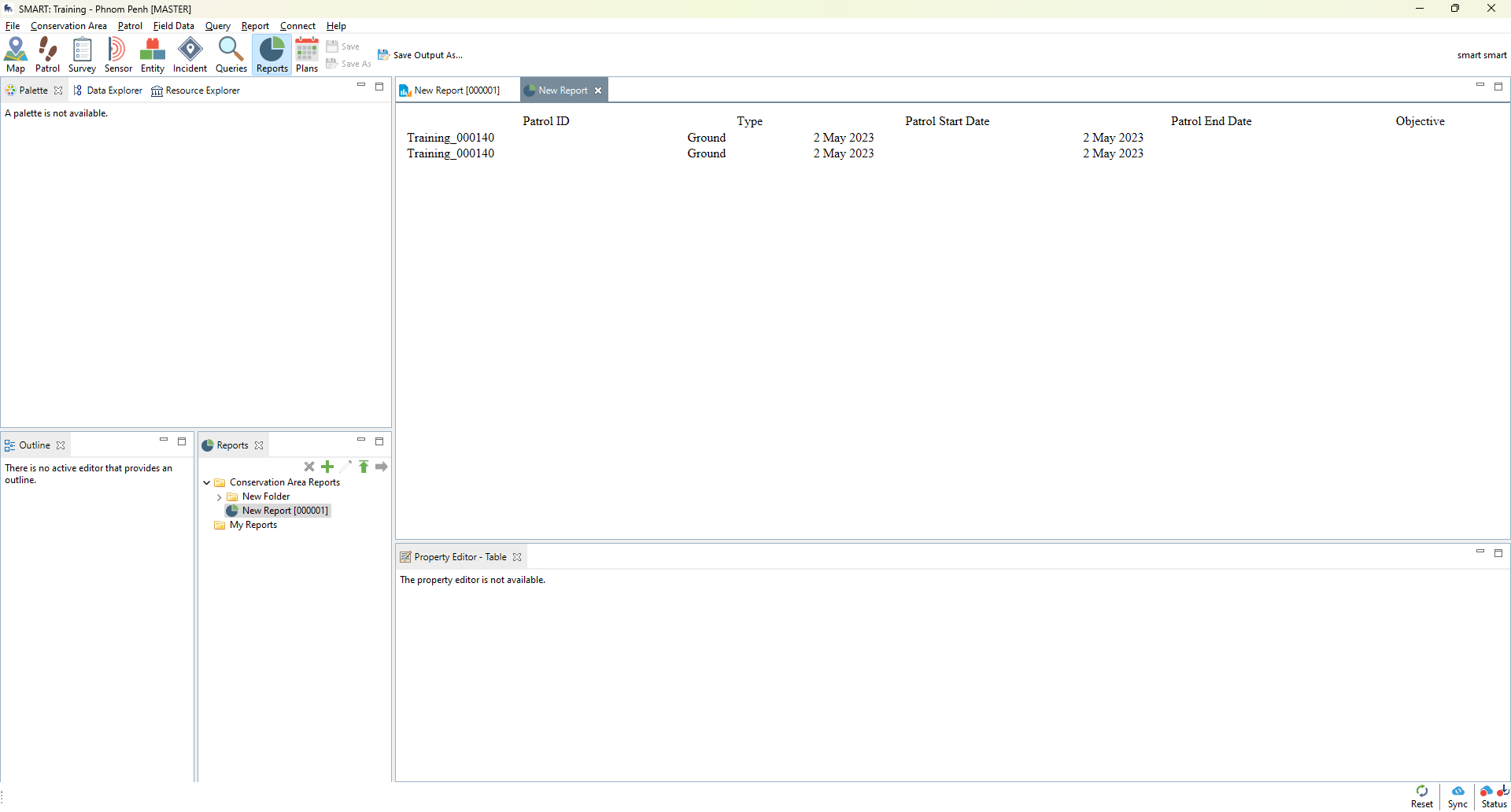
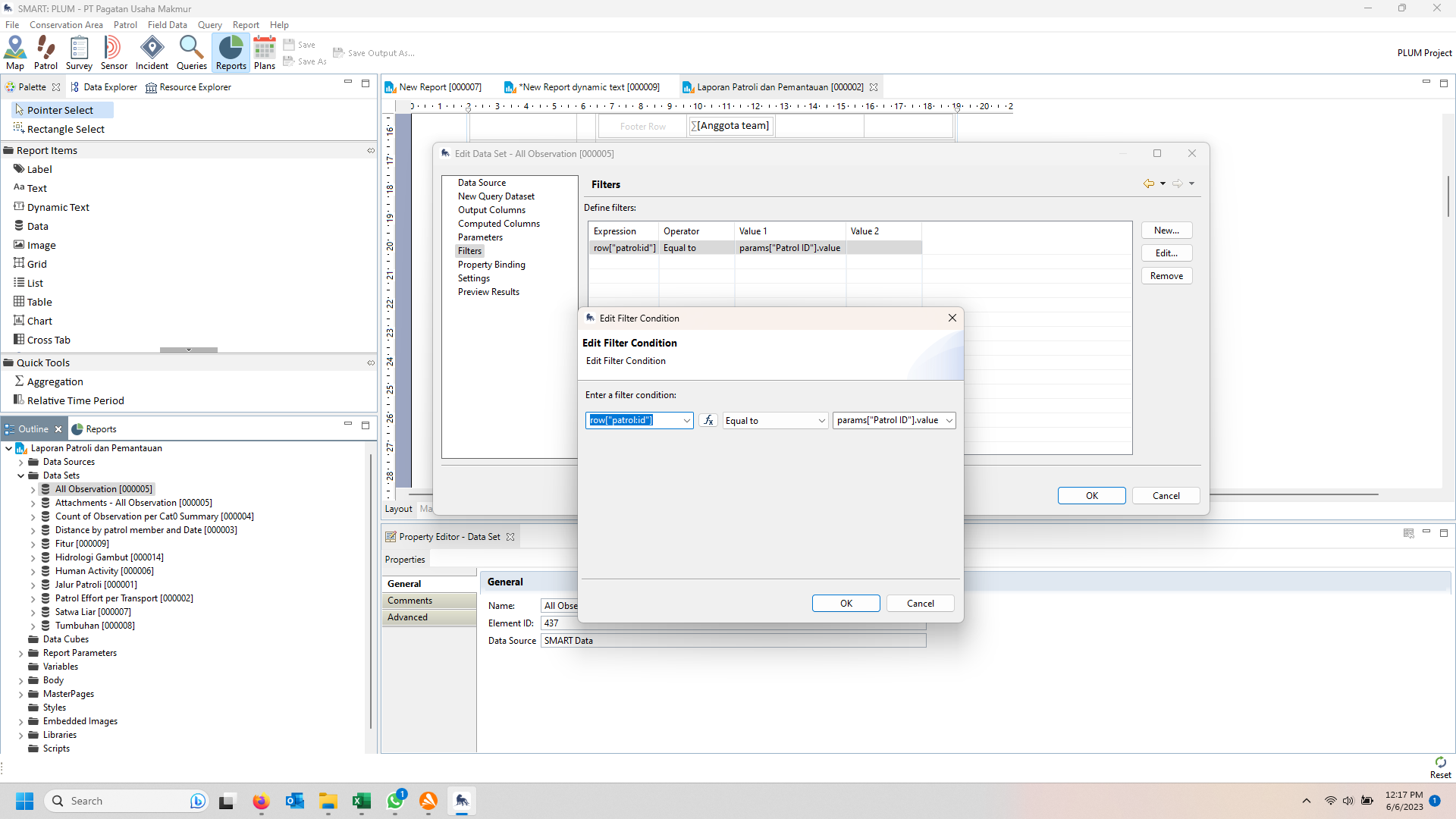
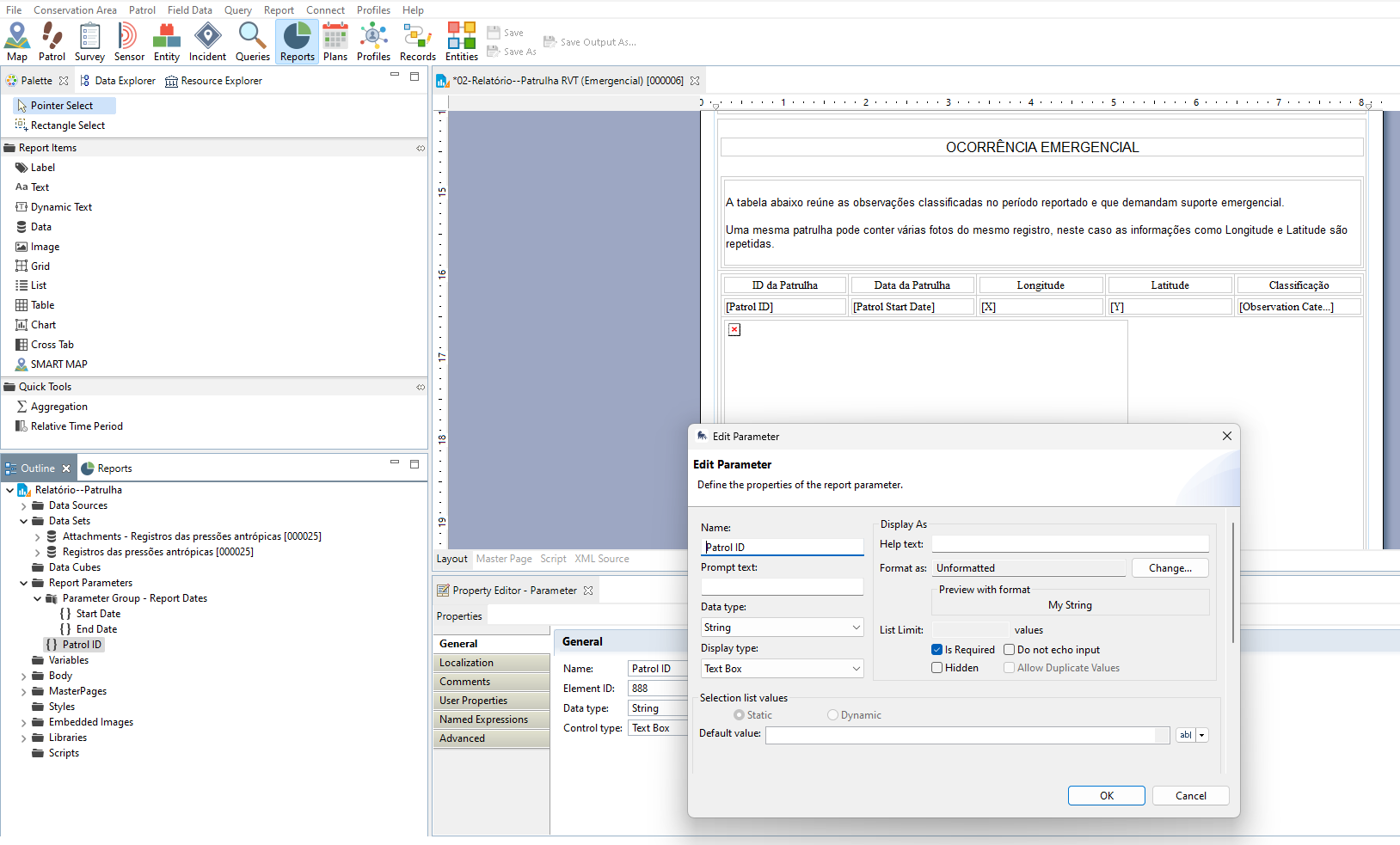
For some reason the patrol ID filter (new parameter) is not working when I run the report. The report runs but it does not filter. I tried in two ways:
Option 1:
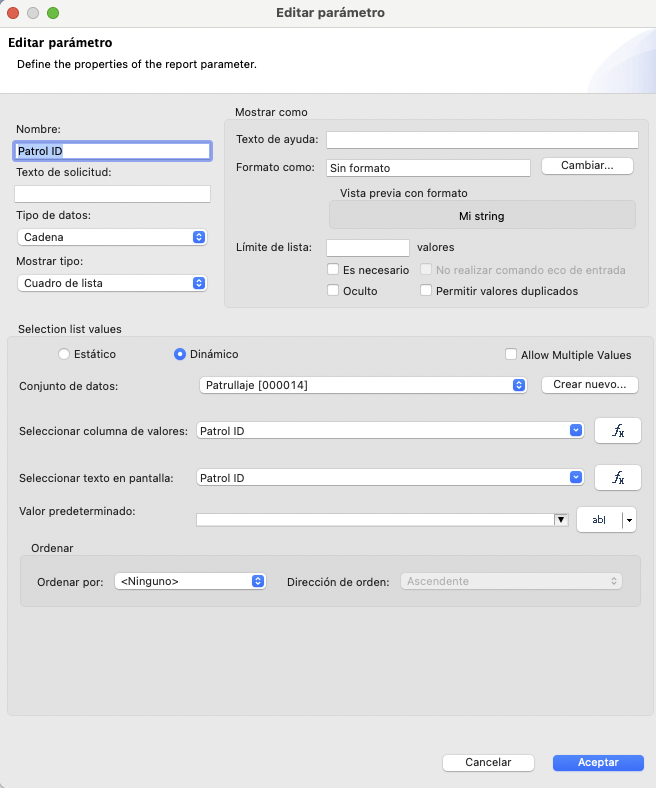
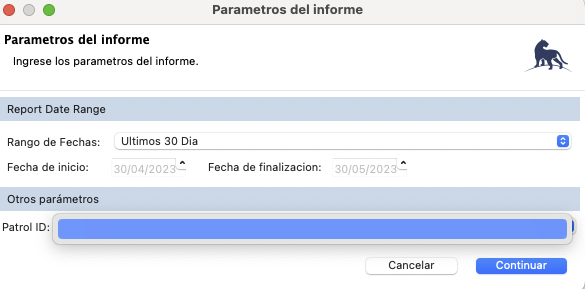
Option 2:
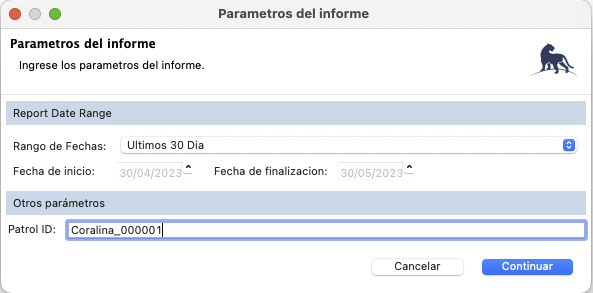
Hi all,
For some reason the patrol ID filter (new parameter) is not working when I run the report. The report runs but it does not filter. I tried in two ways:
Option 1:
Option 2:
Hi Lina,
Sorry, I’m not 100% sure from the screenshots as it seems to appear differently in Mac.
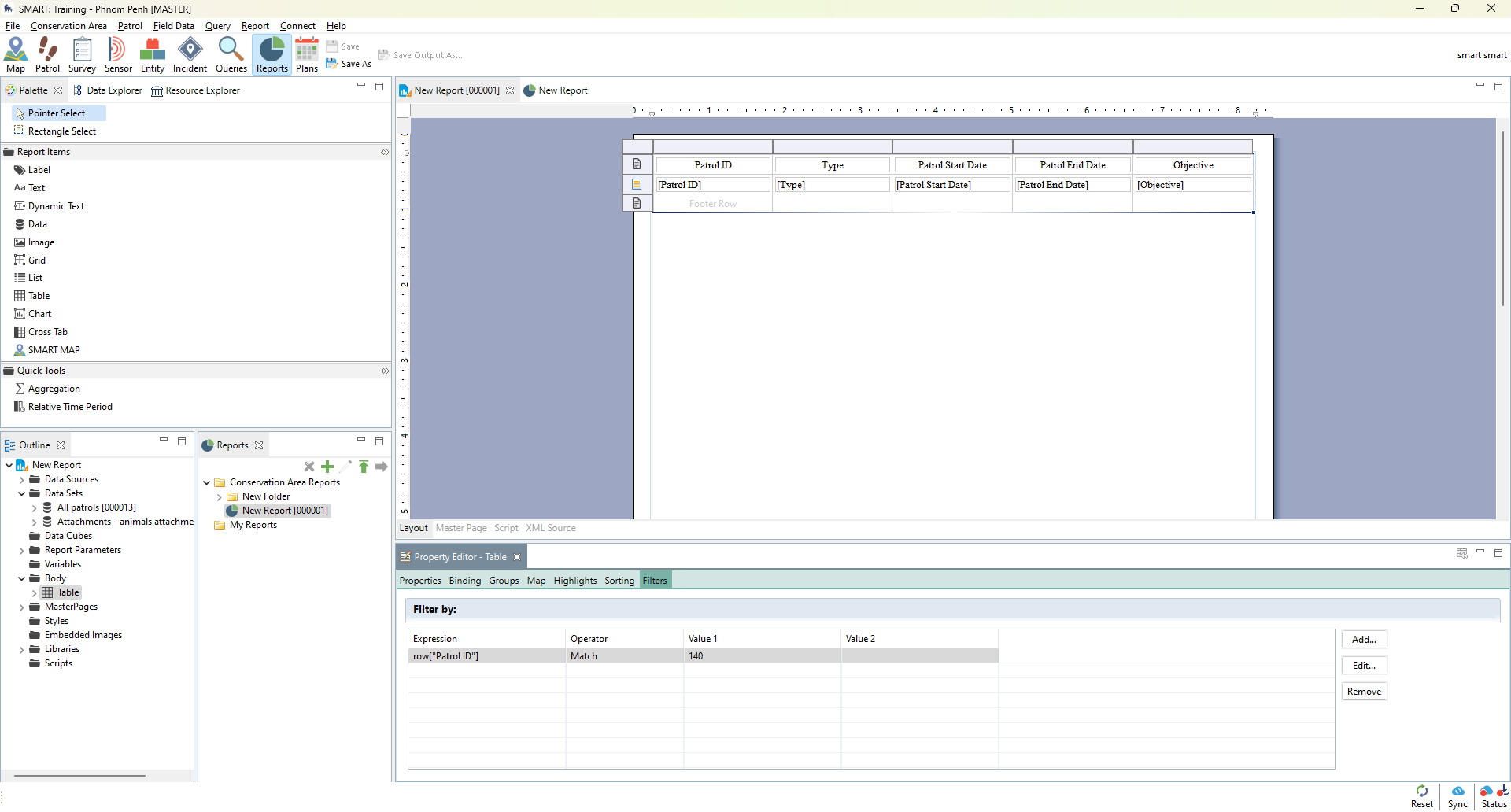
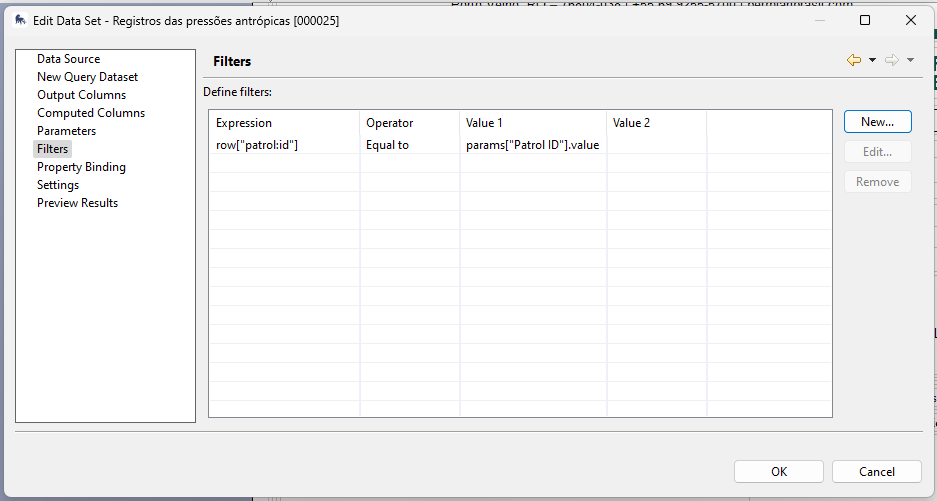
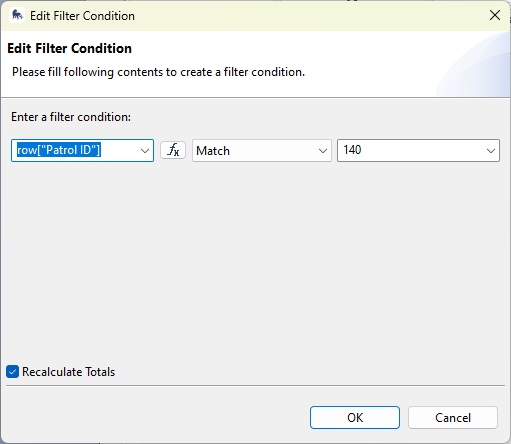
But when selecting the object in the report, then navigating to the “filters” tab, try using the “match” function and only the numeric part of the patrol ID (as below). This seems to work for me. Is this what you’re looking to do?
Cheers,
Alex
Hi Lina
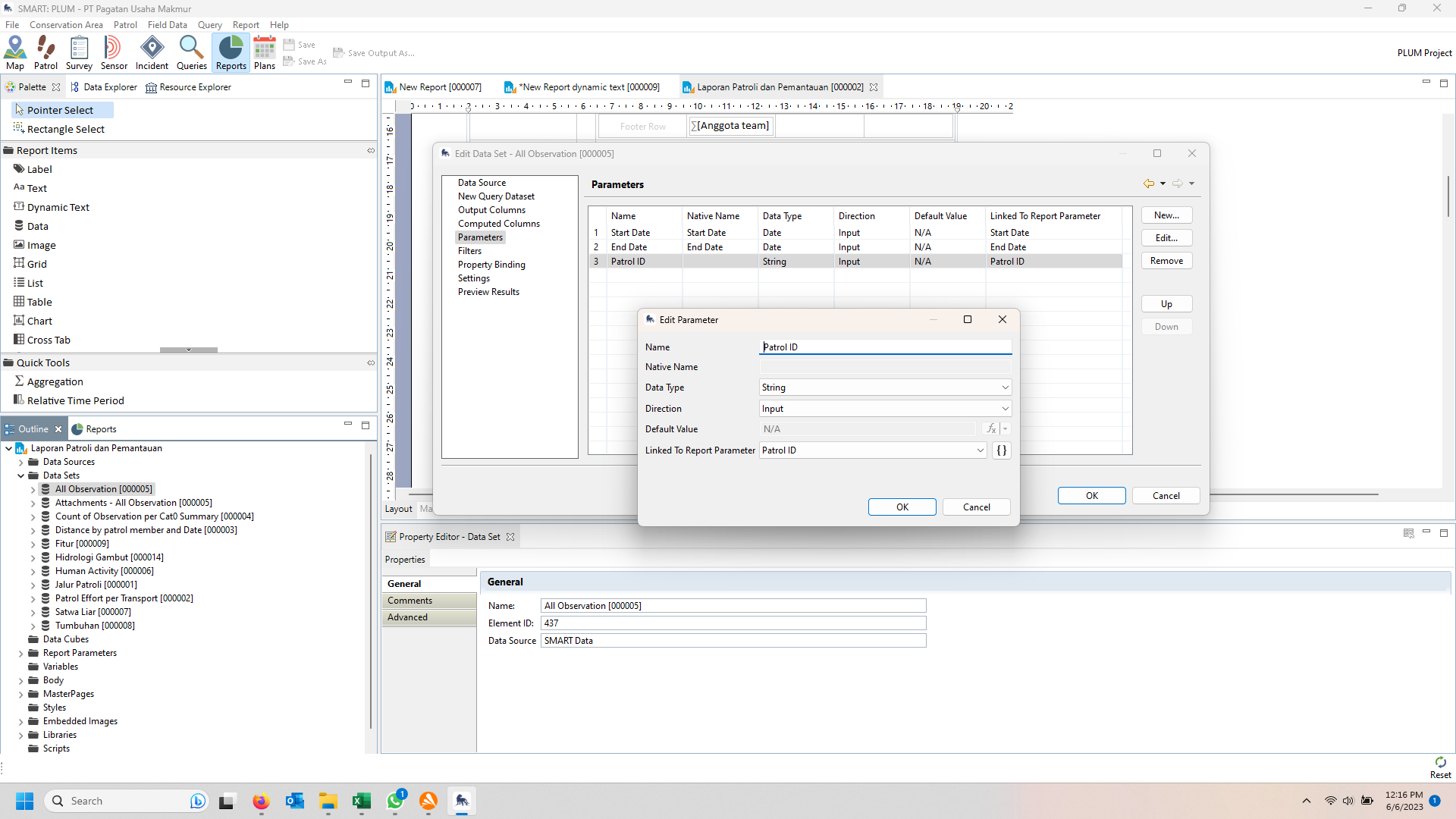
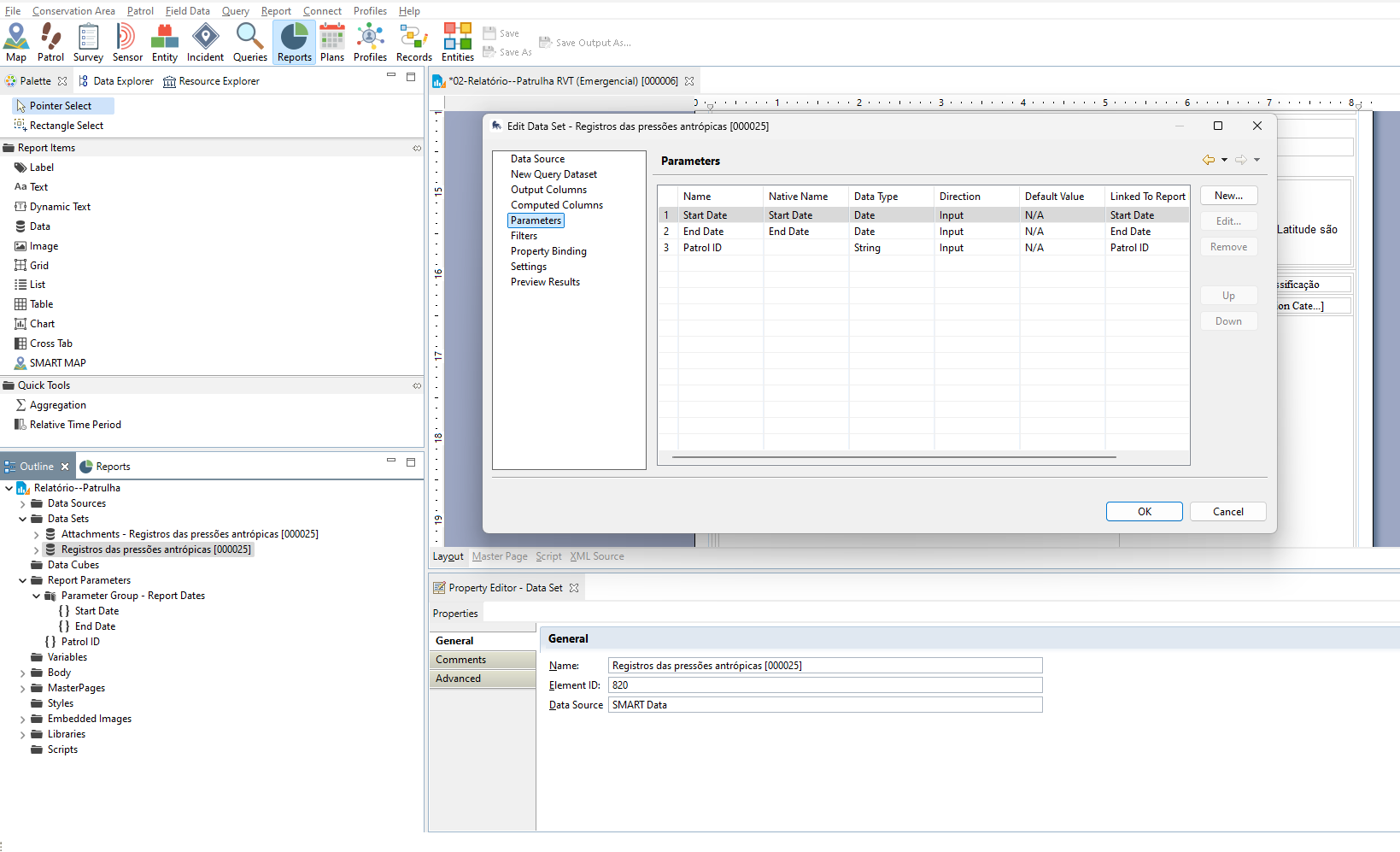
on every data set on your report, you should add parameter and filter.
Regard
Lili Sadikin
Hi, @Lina @Alex_Wyatt and @LiliSadikin.
I am having difficulties making a report with a Patrol ID parameter. I have consulted SMART manuals, this thread, and external BIRT help, but none has helped.
1st - I created the new param:
2nd - I applied the new param to all queries selected in this data set:
3rd - I defined the filter as you explained (although I have no clue where the filter obligation is explained)
4th - The new param is in place:
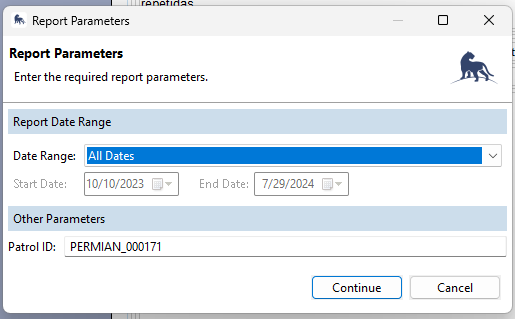
5th - But the saved report shows:
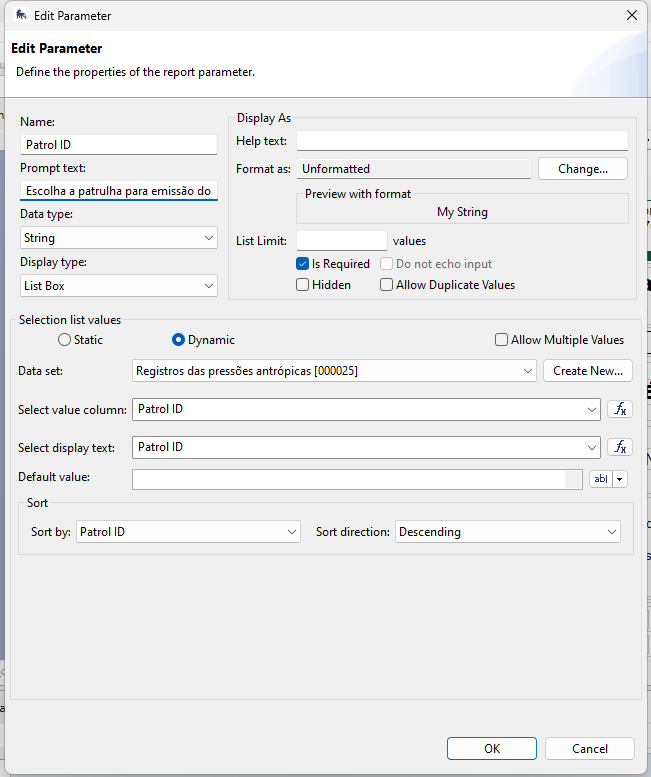
I also tried to create a param using a list box, but the patrols does not appear as well:
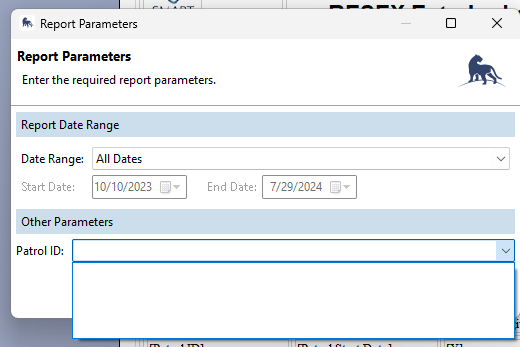
I tried to create a simpler report; I successfully exported it, but it did not filter (I received more patrols than I wanted), and the dynamic image was also not filtering (I received the last picture on the dataset, not the one attached to the patrol).
Sorry for bringing this topic to light once more. I expect that the solution could be easily achieved here.
Thank you!
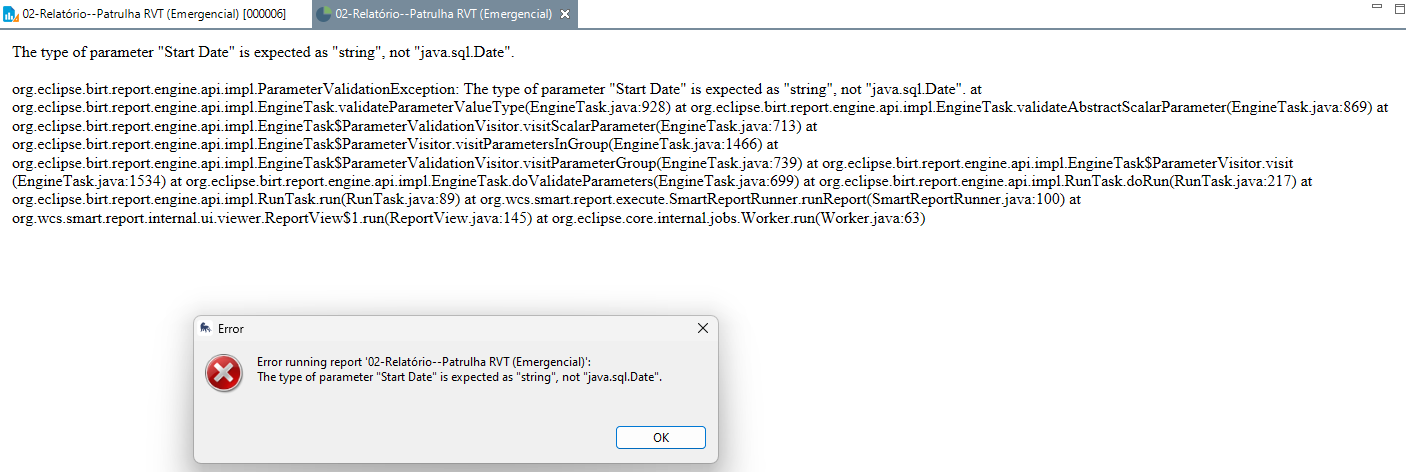
Hi Albert
The error says there is data type of your start date report parameter.
Change start date data type to “Date”.
Please check all “Start Date” data type.
Hi All.
I have the same problem like this that dynamic pictures do not follow the parameters. all the other data works well.
The work around is to create a query that covers your parameter (This has to be changed for every different report though!) and then run report.
Any idea how to fix images to run with parameter?
Thx
What is your parameter?
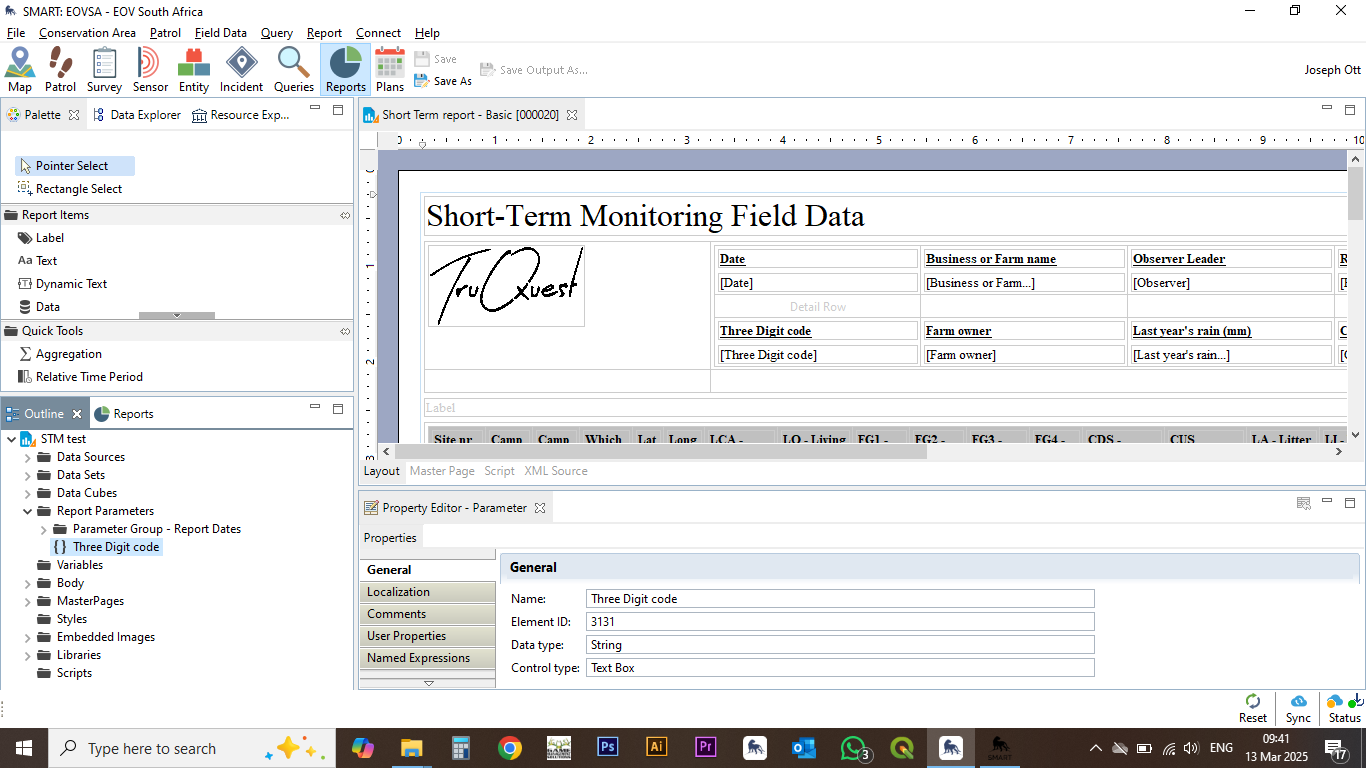
We have a separate attribute that they need to add a Three Digit Code per patrol in the field. these 3dc are unique per farm base.
Attribute, computed column, custom attribute will not work on SMART Query Attachment.
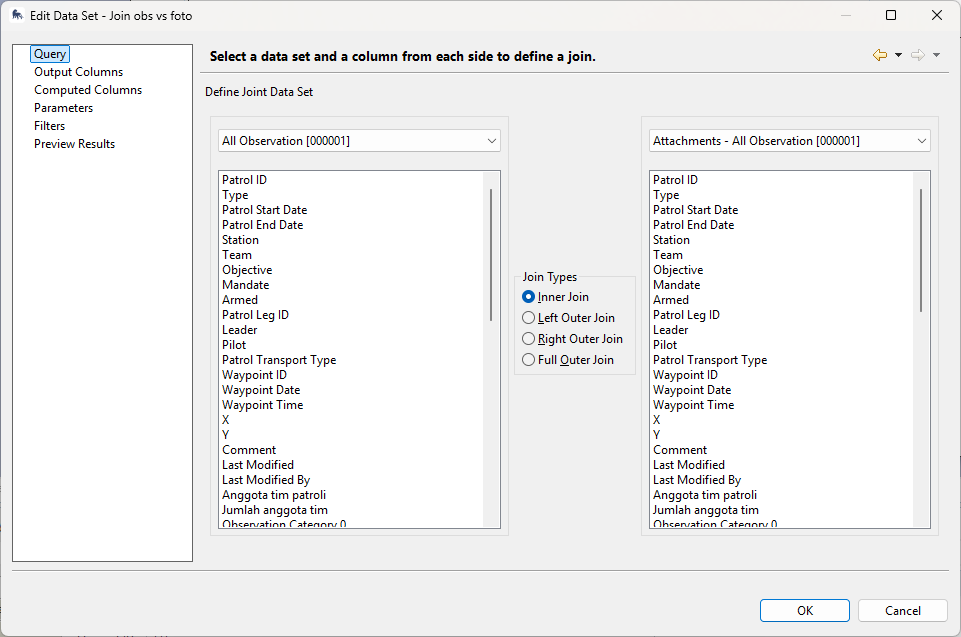
Te solution is you need to join your SMART Query attachment dataset with SMART Query dataset.
Your report parameter should implement to SMART Query.
I think there is another post (with video) from this forum how to join both query.
Here some example
Regard
Lili Sadikin