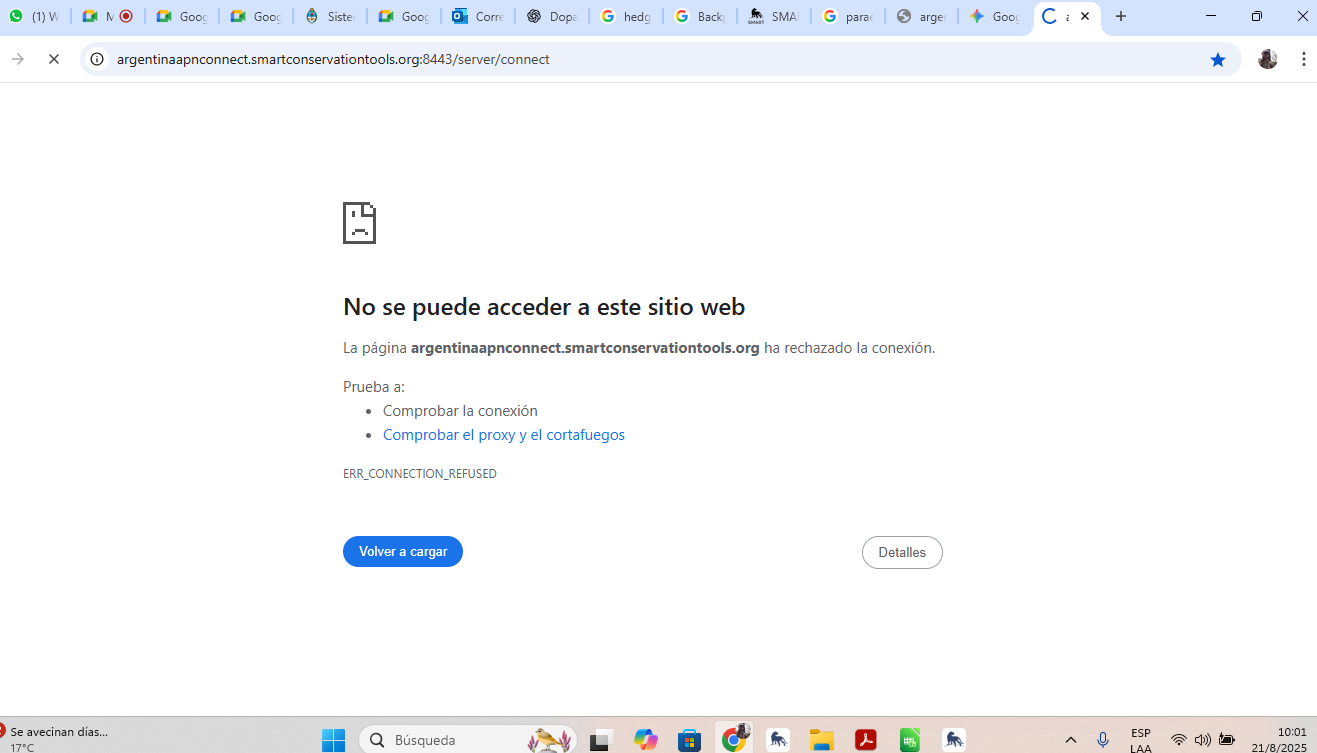
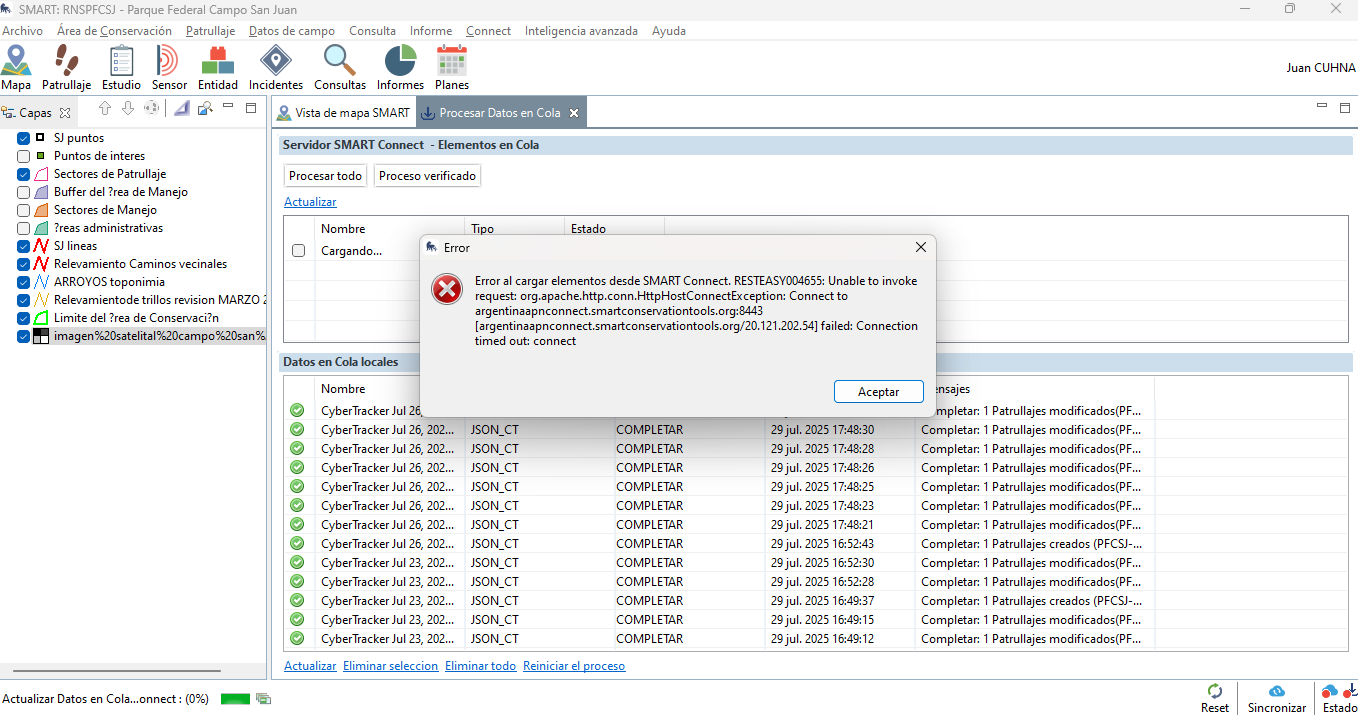
We are experiencing a critical and persistent issue with our Connect server that is causing a general malfunction across all of our CAs.
Our system is completely unresponsive, and we are unable to:
Sync Connect
Download the data queue
Access the Connect web page via any browser
Technical Details & Error Analysis
When trying to connect, we are getting a Connection refused: connect error, which points to the server not accepting connections on the specified port.
Here is the key section from our error log:
Caused by: org.apache.http.conn.HttpHostConnectException: Connect to argentinaapnconnect.smartconservationtools.org:8443 [...] failed: Connection refused: connect at org.apache.http.impl.conn.DefaultHttpClientConnectionOperator.connect(DefaultHttpClientConnectionOperator.java:156) ... Caused by: java.net.ConnectException: Connection refused: connect at java.base/java.net.PlainSocketImpl.connect0(Native Method)
This indicates the problem is on the server side, as the connection is being actively refused.
What We’ve Done
We have attached screen prints of the issue and the full error log for your review.
Our Connect site is: https://argentinaapnconnect.smartconservationtools.org:8443/server/connect
Any help or insights on how to proceed would be greatly appreciated. Thanks in advance for your support.
This solution worked for me too, thank you. But baffled as to why!
CORRECTION:
Removing the :8443 allowed me to reach the server via browser, but in desktop it wont complete a full sync. It creates a sync package OK and app;lies changes but then gets stuck on the uploading and eventually times out.