Hey there,
I’m currently working with SMART survey and i’m struggling with advanced reports.
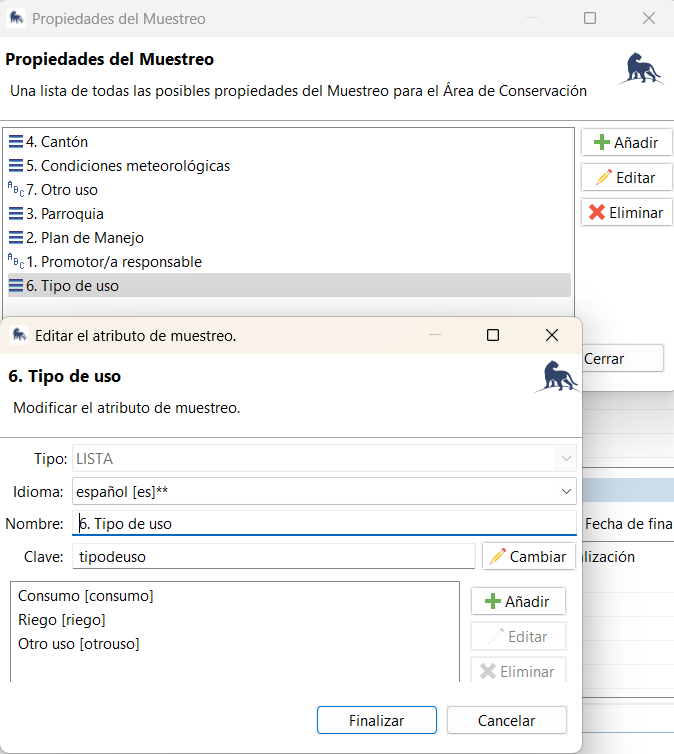
I have created a sample property called “6.Tipo de uso”
Additionally, my data model includes physical, chemical, and microbiological attributes.
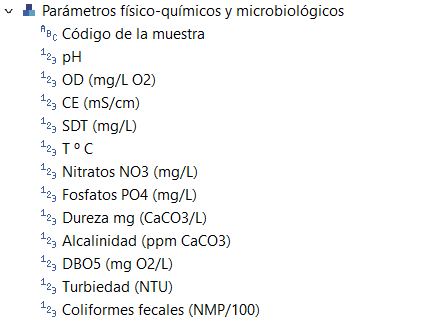
I’m generating a report that shows these water-quality parameters and evaluates whether they meet the permitted limits for the chosen use type (6. Tipo de uso).
The table looks like this
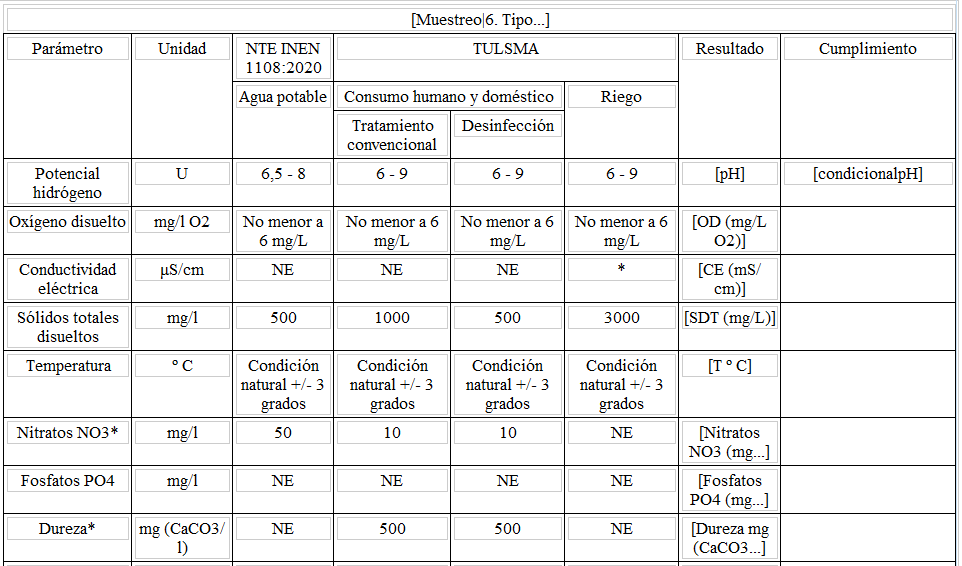
And I have set a conditional
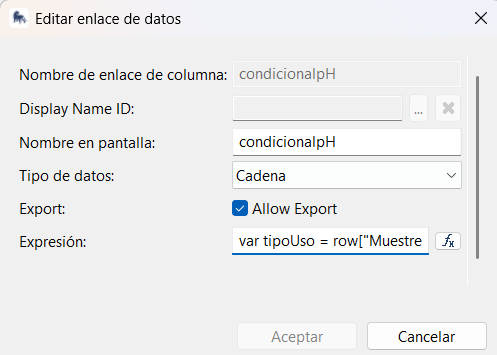
I’m using this code
var tipoUso = row[“Muestreo|6. Tipo de uso”];
var par = row[“pH”];
var res;
if (tipoUso == null) {
res = “Na - Tipo de uso no definido”;
} else if (tipoUso === “Consumo”) {
res = (par == null)
? “Na - Parámetro sin valor”
: ((par >= 6.5 && par <= 8) ? “Cumple” : “No cumple”);
} else if (tipoUso === “Riego”) {
res = (par == null)
? “Na - Parámetro sin valor”
: ((par >= 6 && par <= 9) ? “Cumple” : “No cumple”);
} else if (tipoUso === “Otro uso”) {
res = “Na - Otro uso”;
}
res;
It works perfectly with possible values: Consumo, Riego, Otro uso.
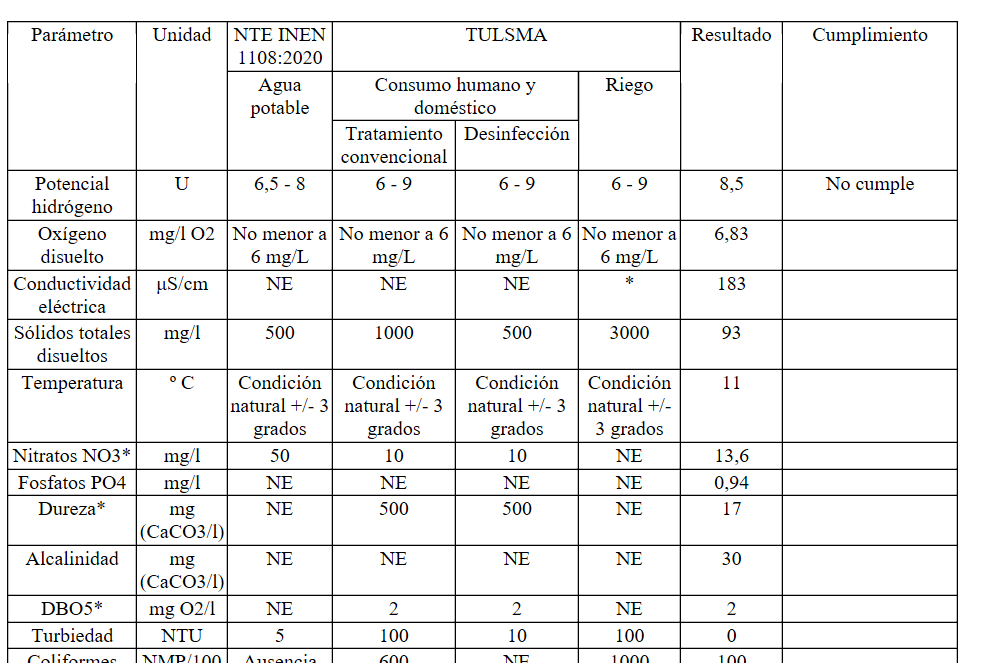
However, when the sample property “6. Tipo de uso” is empty (nothing is selected), it doesnt work out, and the rows disappear (except the header).

I have also tried this other code:
(dataSetRow[“Muestreo|6. Tipo de uso”] == null) ? “NULL” : “NOT NULL”
I get “NOT NULL” with all the options, but when no option is selected the rows disappear again, instead of getting “NULL”.
Why do null values cause the code to fail, and what could be the right way to handle them?
Thanks for your help
Jackie
